Client and business
A service for organizing school meals, where it is necessary to take into account the attendance of participants for different schools, dates and events.
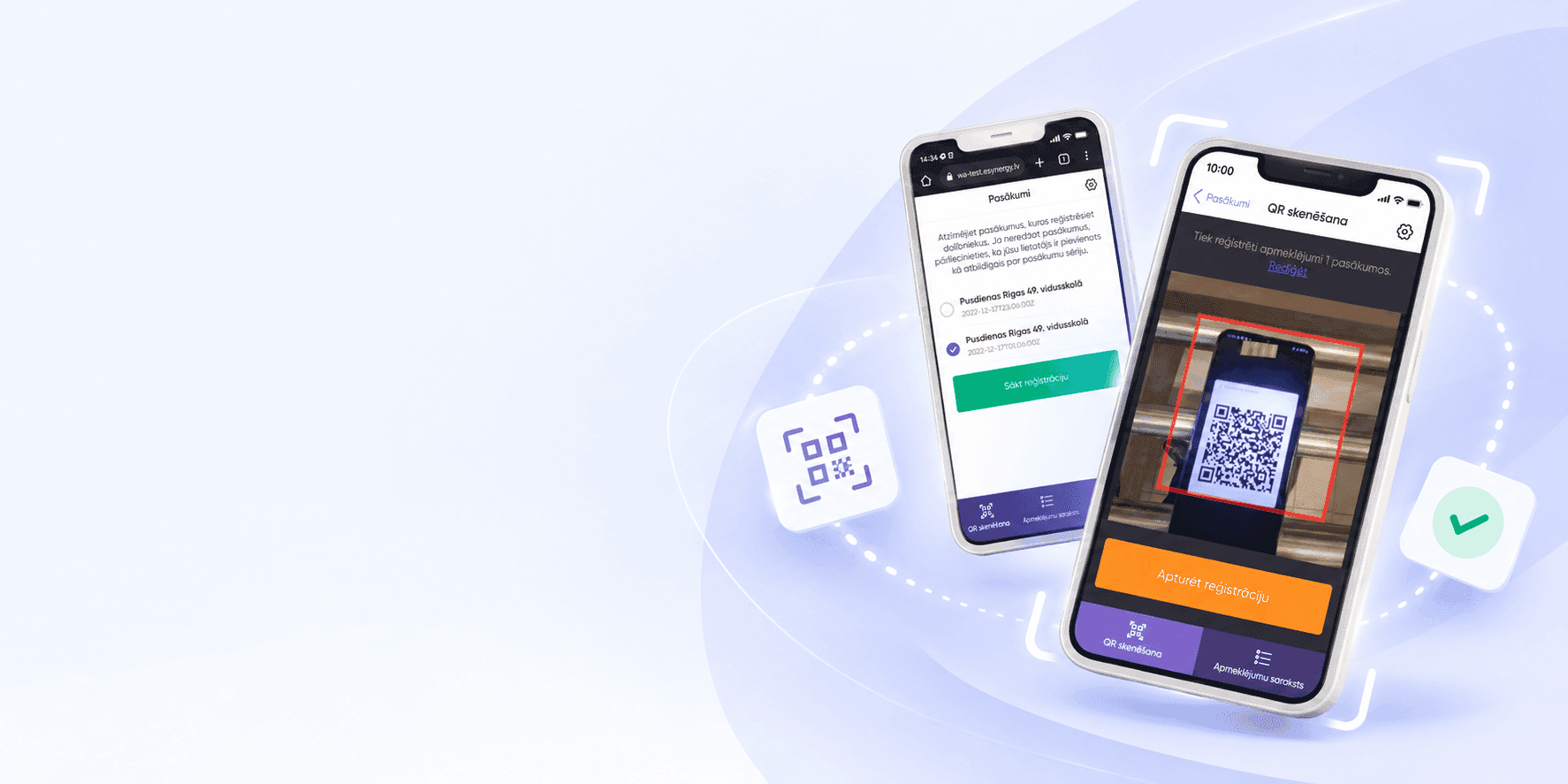
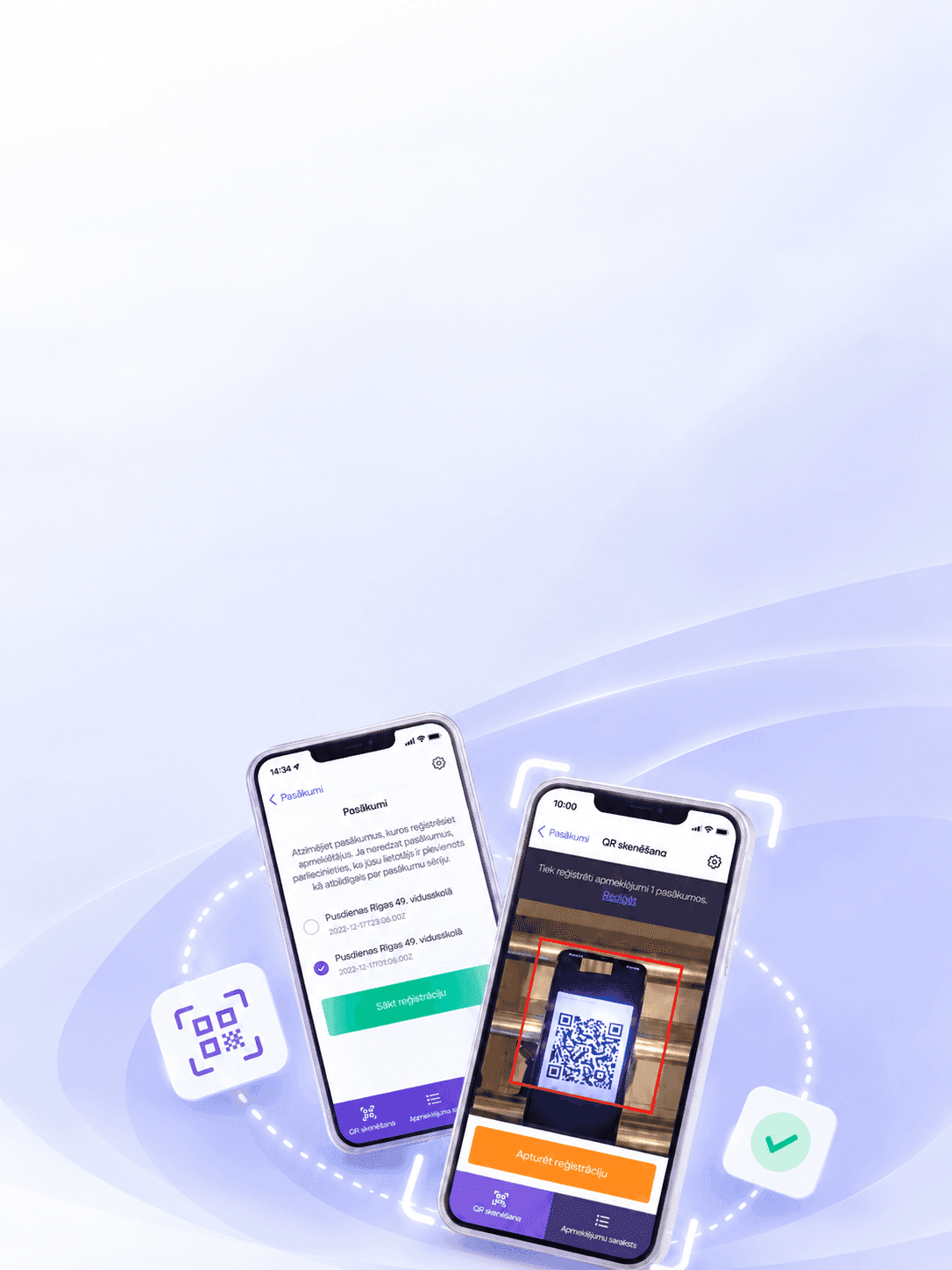
We have developed a web application that helps employees select an event, scan participants’ QR codes and record attendance in a single system.
The system is used by staff who record participant attendance at school feeding events. The user logs in, selects the desired event, starts registration and scans the QR codes. The result is immediately displayed in the attendance list.
A service for organizing school meals, where it is necessary to take into account the attendance of participants for different schools, dates and events.
Make attendance registration quick and clear: the employee must select the desired event, identify the participant using the QR code and immediately receive confirmation of registration.
We developed an adaptive web application with authorization by email code, selection of events, QR scanner via smartphone camera, register of participants, search, visit status and registration session management.
An employee can carry out the entire registration process from a smartphone: select an event, start scanning, register a participant and check their status in the list.
When a user encounters a faulty ATM, he usually does not know the number devices and internal channel of the responsible department. Comes to support message without precise point, media and contact. Employees have to ask clarifying questions, and some of the context is lost.
Tell us about the project — we will break down the task and propose an implementation approach.
The project was divided into a client Telegram bot, server logic and closed administrative system. For each scenario, it was necessary to determine which data collected, who accesses them and how the information is used next.
We analyzed three user scenarios: a competition, message about the ATM and contact technical support.
Added moderation, users, requests, competitions, analytics and export. Implemented server functions, sessions, queue load, storage and access rights
Designed dialogues for Telegram bot and web administrative system interface
Linked the Telegram API, integration adapters, application services, database and panel
Prepared the server circuit and secure employee access to the closed part
We will show how to connect interfaces, business logic, data and external systems.
The system connects a fast user channel with controlled internal work employees.
The user transmits geolocation, media, description and contact. Benefit: support receives context in one package.
The bot accepts the question and contact information. Benefit: the message is not lost in personal correspondence.
The participant sends data through the bot, and employees moderate the application. Benefit: activity controlled from the same panel.
The user selects Russian or Uzbek language. Benefit: one service is available to a wide audience.
Super-administrator and moderator receive different powers. Benefit: sensitive functions protected.
Data from users, competitions and requests available for analysis and Excel download. Benefit: flow can be taken into account and passed on
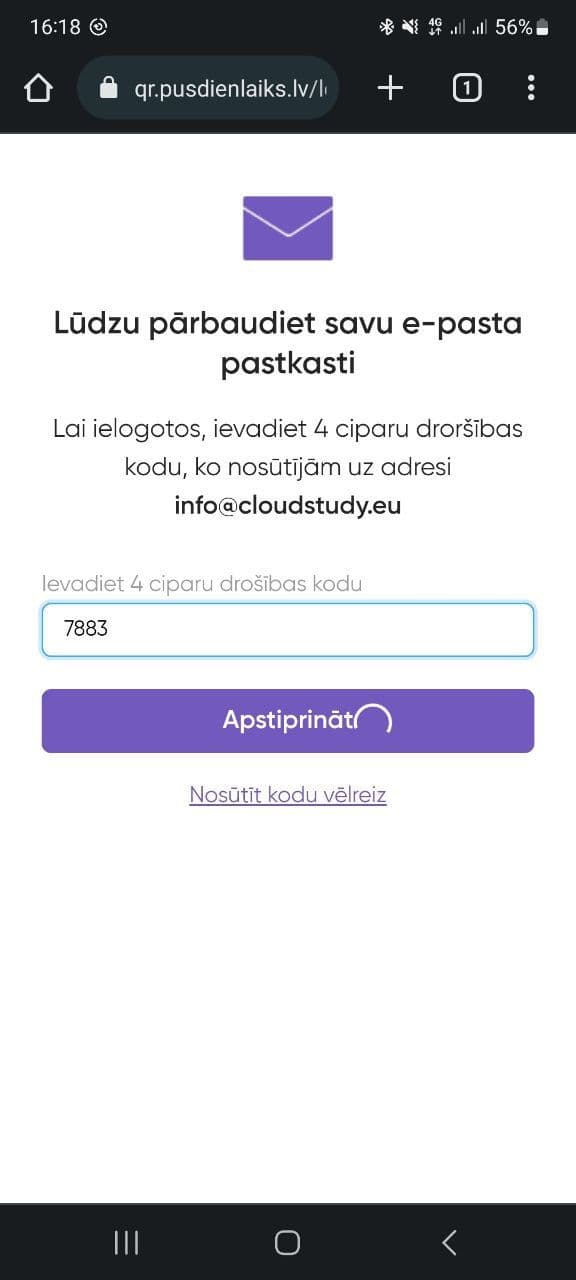
The employee enters a four-digit code sent to his work email. Here you can request a re-send of the code
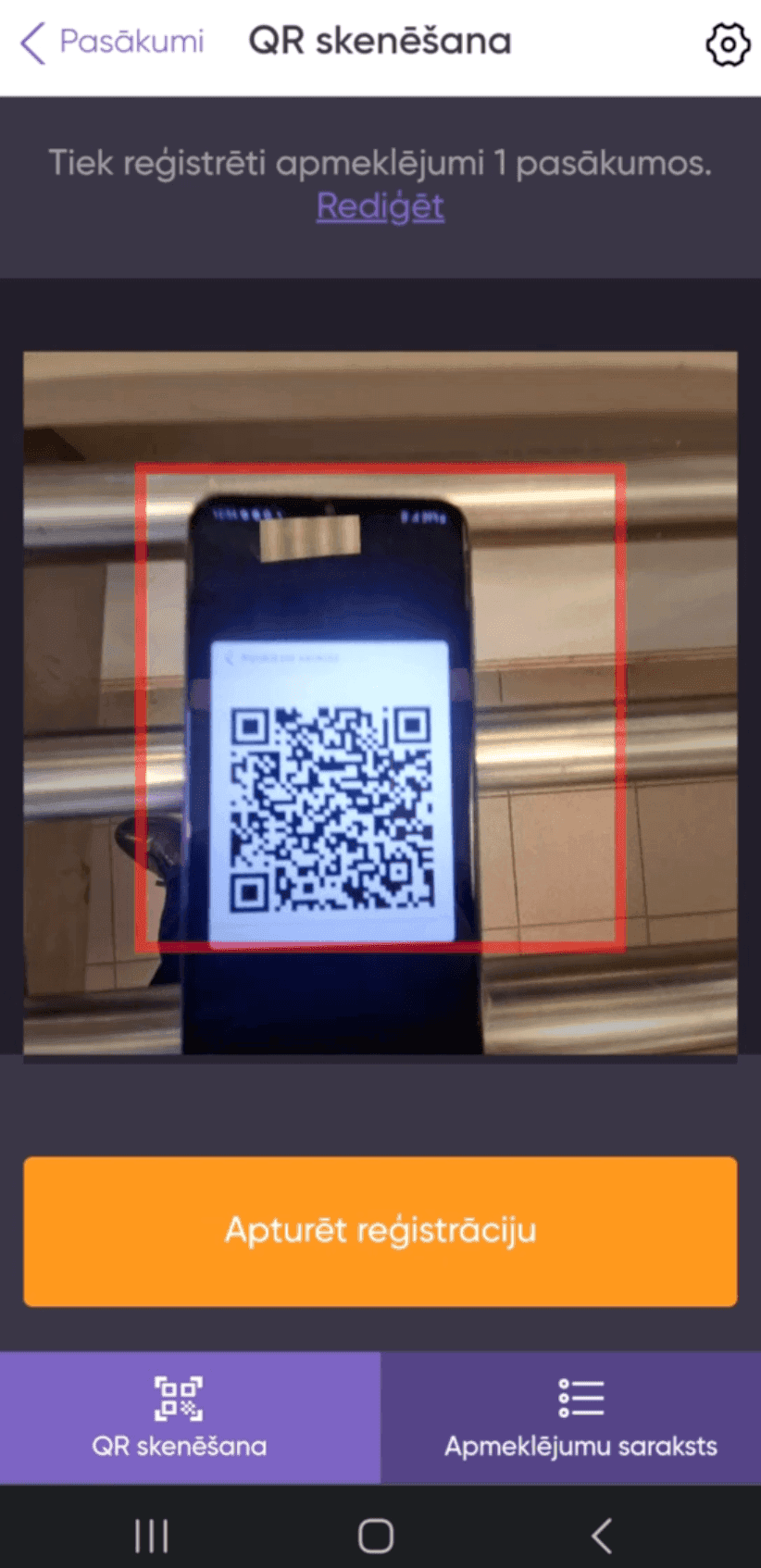
The camera works directly inside the web interface. The frame helps point the device at the QR code, and after recognition, the system displays the registration result.
We will analyse the functionality and build a clear interface structure.
Defining goals, studying the audience, forming requirements and setting tasks. This helps to understand what the business needs and what results are expected.
Creating the solution architecture, thinking through user scenarios, interfaces and logic. At this stage the 'framework' of the future product is formed.
Programming the server and client parts, connecting databases, integrating with external services. This is where the idea turns into a working product.
Checking functionality, performance, compatibility and security. Fixing bugs before the product reaches users.
Deploying the product (for example, publishing in stores or launching on servers), configuring the environment and starting marketing or internal processes.
Updating functionality, adapting to new business tasks, fixing bugs and keeping the product up-to-date.
The project created a single digital channel between users and HUMO Pay. Employees they receive not a free message, but a structured set of data that can be view, moderate, analyze and upload
Geolocation links the message to the location where the user encountered the problem
Roles limit administrative and critical functions.
User activity and requests can be collected and downloaded.
Photos and videos complement the text and reduce the number of clarifying questions.
We will propose a suitable structure and prepare the first sketch of your future project — with no obligation to start development.
You get a visual concept you can discuss with your team.

He will review your project and business objective, prepare recommendations and the first sketch.
An honest conclusion.If the solution can be improved without a full rebuild, we will tell you so.