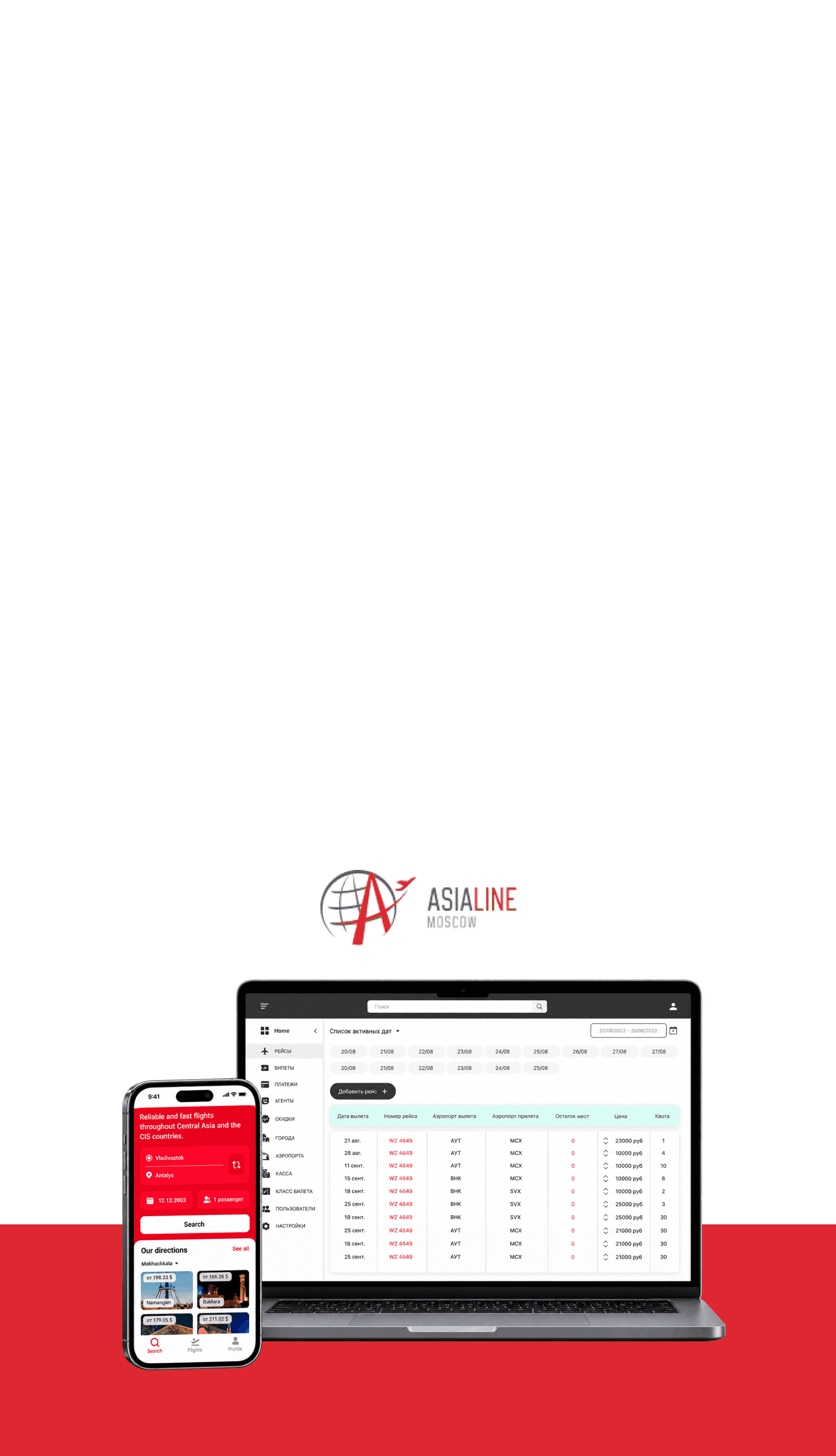
Client & Business
AsiaLine sells airline tickets to passengers and agents. The process connects flights, seats, fares, bookings, payments, and ticket issuance.
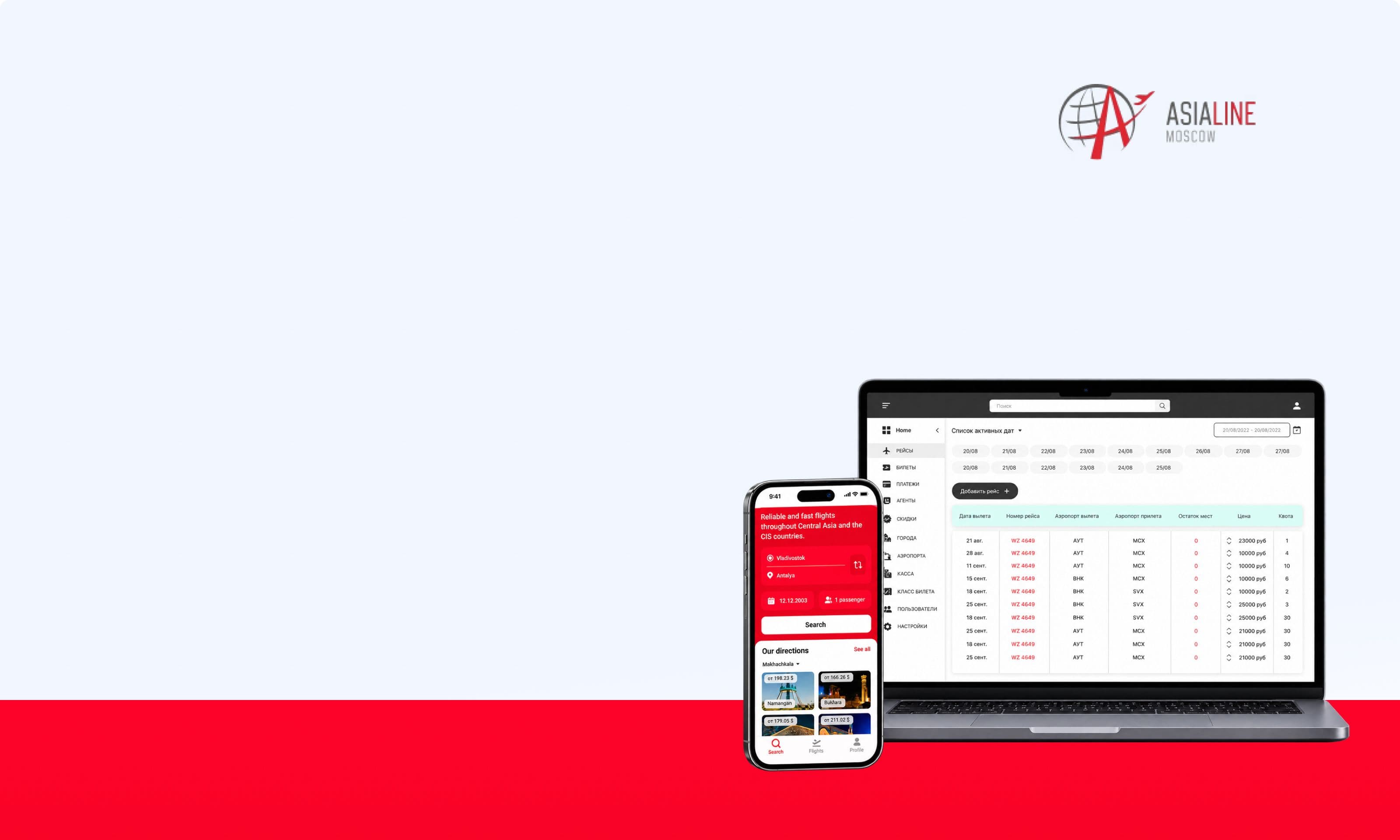
Developed a mobile application for passengers and an administrative system for managing flights, tickets, payments, and agents
AsiaLine is an airline ticket booking and online sales system. Passengers search for flights and place orders through the mobile app, while employees manage sales through the administrative system.
AsiaLine sells airline tickets to passengers and agents. The process connects flights, seats, fares, bookings, payments, and ticket issuance.
Replace the limited internal system and provide passengers with a complete self-service journey from flight search to ticket purchase.
Developed a mobile application and an administrative system. Designed user roles, modules, order statuses, and integration flows.
Passenger and internal workflows are combined in one system, keeping flight, passenger, payment, and ticket data connected throughout the process.
For passengers, purchasing a ticket involves several steps. Inside the company, a single order connects the flight schedule, seat availability, fare, passenger data, payment, agent operations, and data transfer to the airline
Tell us about the project — we will break down the task and propose an implementation approach.
We divided the work into several areas, each affecting the complete ticket journey — from creating a flight to payment and internal processing.
Analyzed flight creation, pricing and quota allocation, agent operations, payment confirmation, and data transfer processes.
Designed the passenger journey and the internal sales processing workflow. Defined statuses and control points.
Designed the mobile application, administrative system, backend modules, and external integrations.
Implemented passenger-facing and internal interfaces with shared logic for flights, tickets, and payments.
Implemented data exchange with airline, payment, notification, and pricing services. Tested the complete journey from flight search and passenger data entry to payment, ticket issuance, and transaction display.
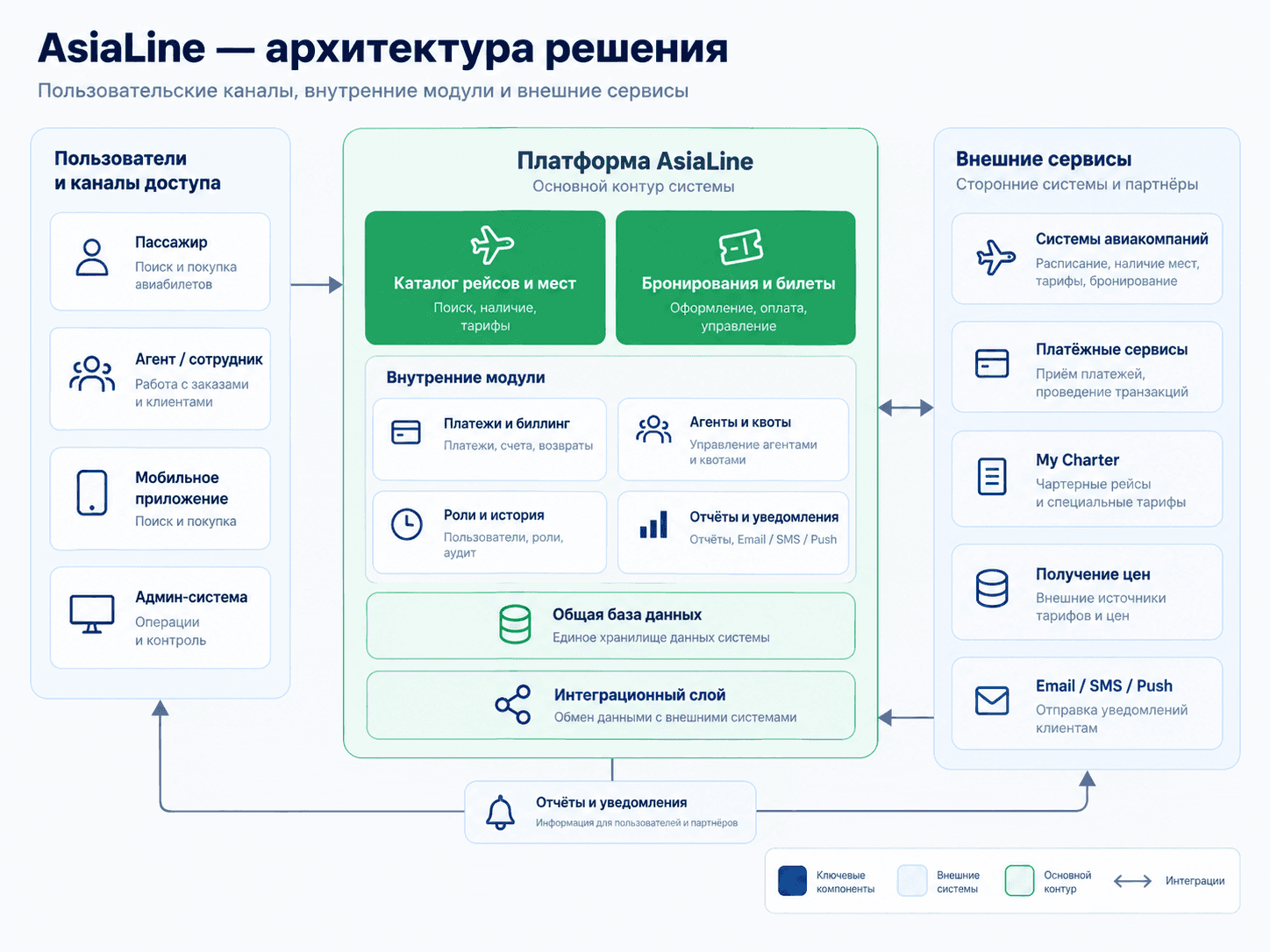
Passengers use the mobile application, while employees and agents work through a role-based administrative system. Both interfaces connect to a shared backend that processes flights, seats, bookings, tickets, payments, discounts, users, and notifications.
Passengers get a complete self-service purchase journey, while the team receives tools to manage the operational side of ticket sales
Destination, date, passengers, available flights, departure time, and price.
Passenger details, total price, payment status, and ticket purchase.
Dates, airports, schedules, prices, seat availability, and agent quotas.
Ticket issuance, viewing, editing, cancellation, and data export.
Agent registration, discount assignment, and seat quota allocation for flights
Role-based employee permissions and tracking of changes within the system.
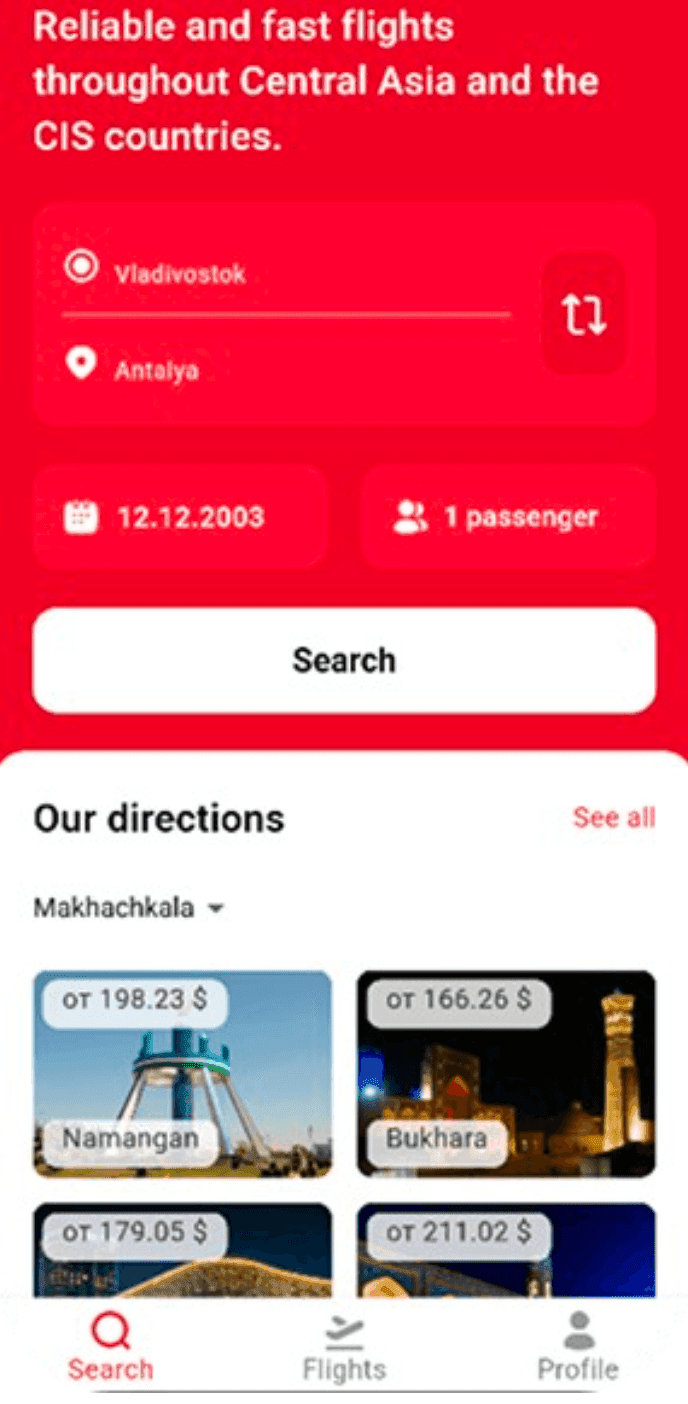
The user selects the departure city, destination, travel date, and number of passengers. The app also displays popular destinations below.
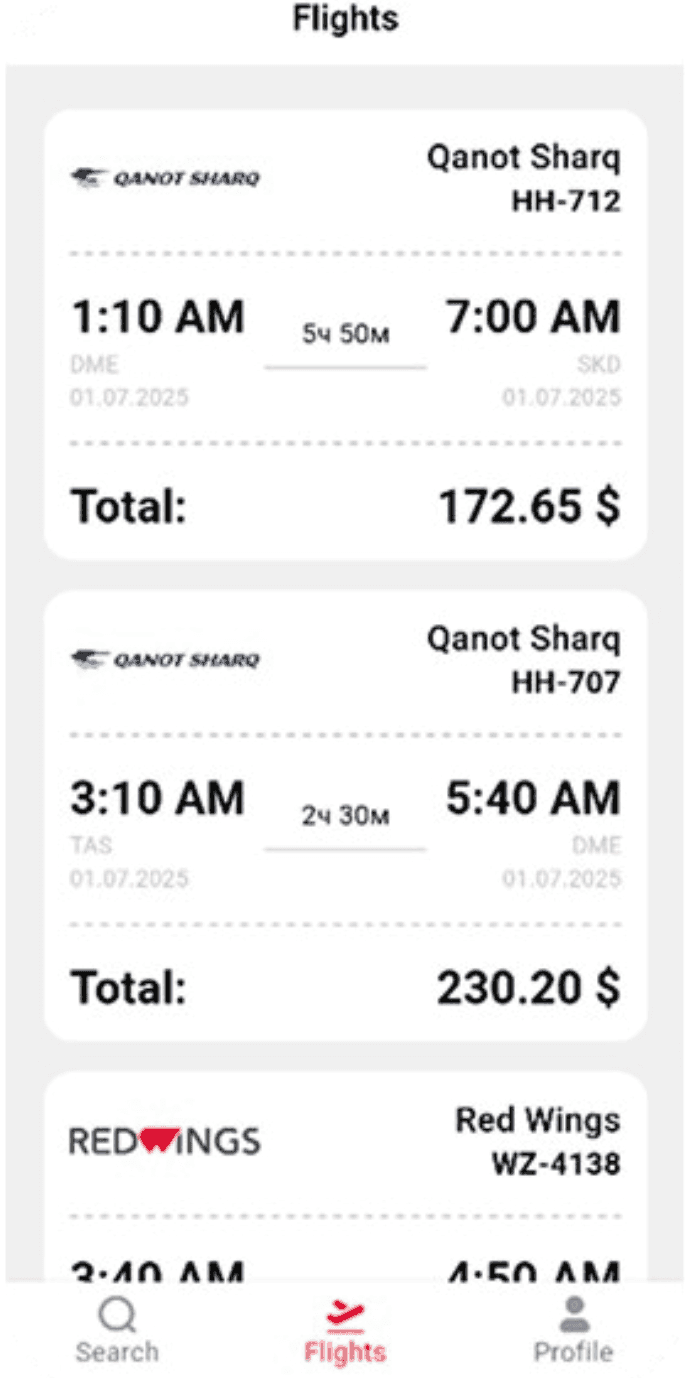
The results display the airline, flight number, departure time, duration, and final price. Users can compare available options on a single screen.
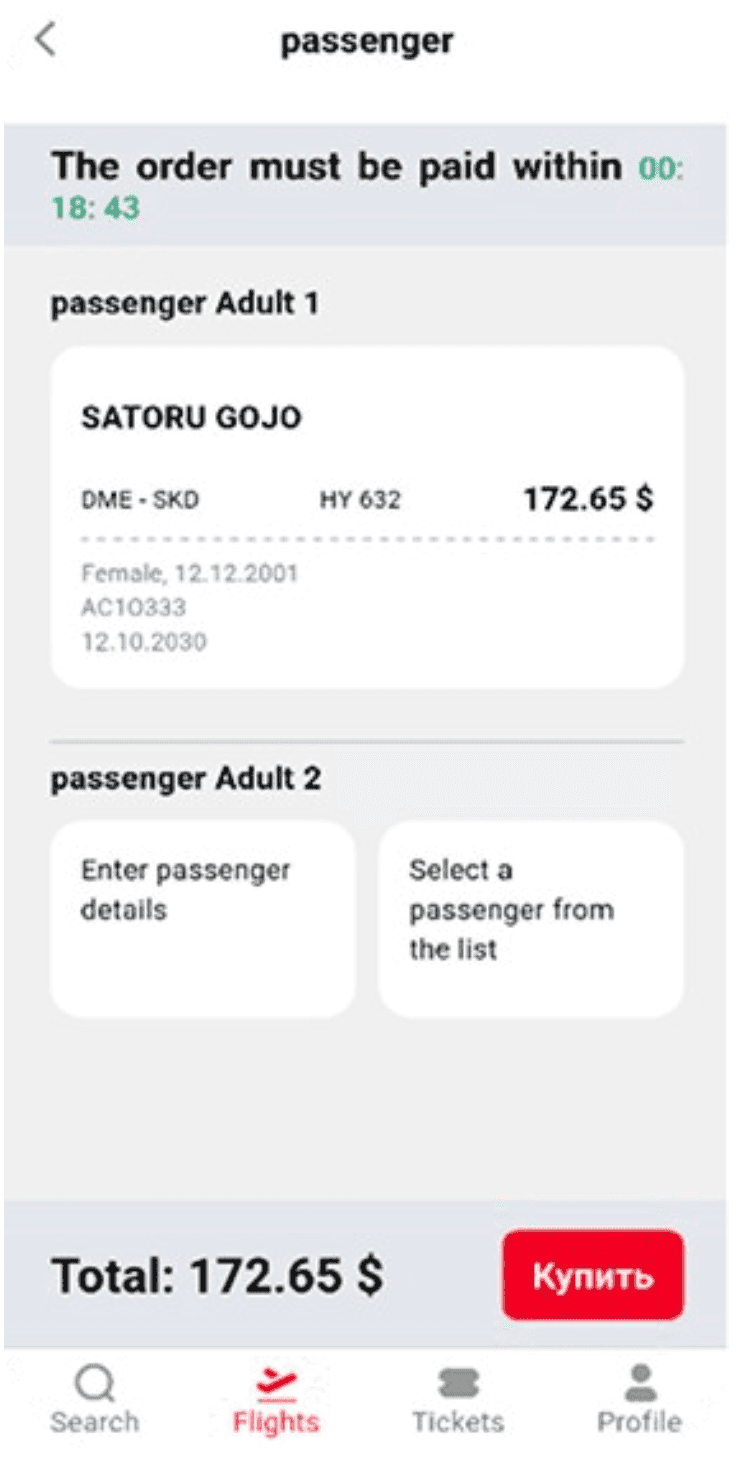
After selecting a flight, the user sees the route, class, flight number, price, and payment deadline. Passenger details can be entered manually or selected from saved profiles
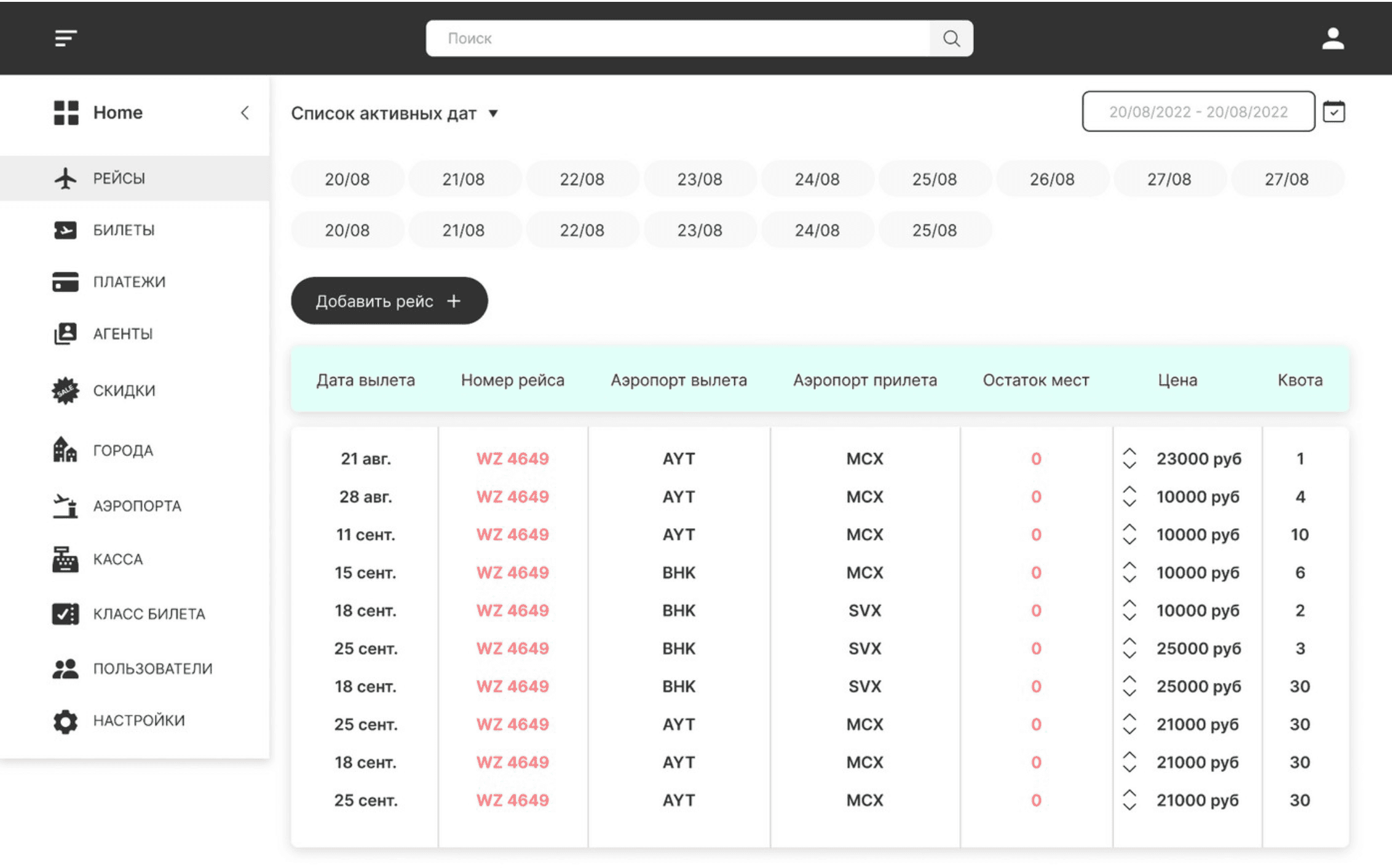
Employees can view active dates, routes, flight numbers, available seats, prices, and quotas. New flights can be added directly from the same section.
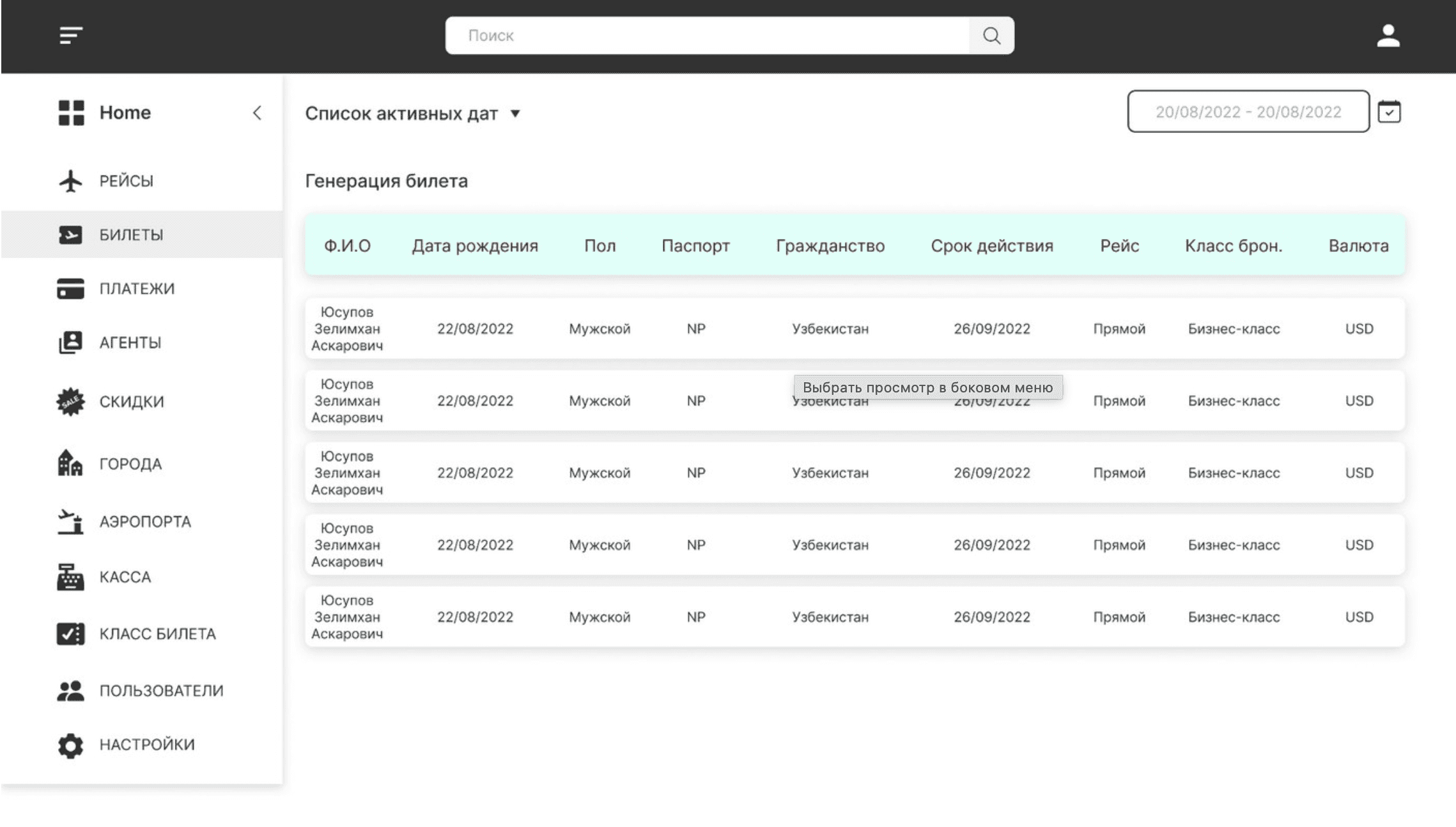
The internal team works with the ticket list and passenger data. Documents, citizenship, flight, booking class, and currency are connected on a single screen.
We will analyse the functionality and build a clear interface structure.
AsiaLine received the foundation for a unified airline ticket sales process — from passenger actions in the mobile app to flight, payment, and ticket processing by the internal team.
Passengers can search for flights, compare options, enter their details, and complete the purchase through the mobile app.
Flights, seats, prices, tickets, payments, agents, discounts, and reference data are managed within a single system.
Change history helps monitor data operations and investigate disputed situation
Agents receive dedicated accounts, discounts, transaction history, and seat quotas.
We will propose a suitable structure and prepare the first sketch of your future project — with no obligation to start development.
You get a visual concept you can discuss with your team.

He will review your project and business objective, prepare recommendations and the first sketch.
An honest conclusion.If the solution can be improved without a full rebuild, we will tell you so.